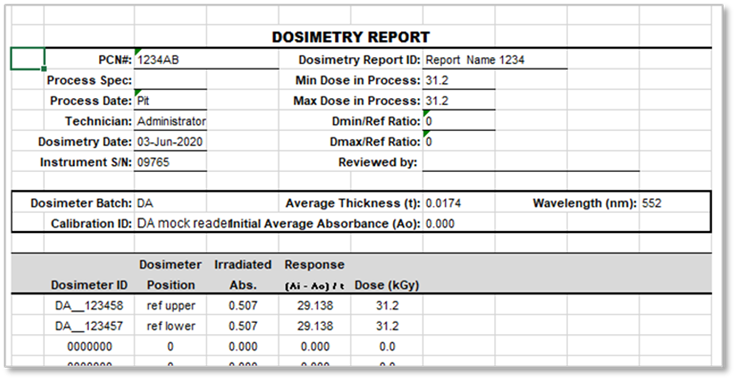
Quick summary - Any user (with a Technician role) can create a report and measure dosimeters. A dosimetry report will contain all the dosimeter measurement information and all the associated calibration and process information.
Report Summary Screen print/export buttons
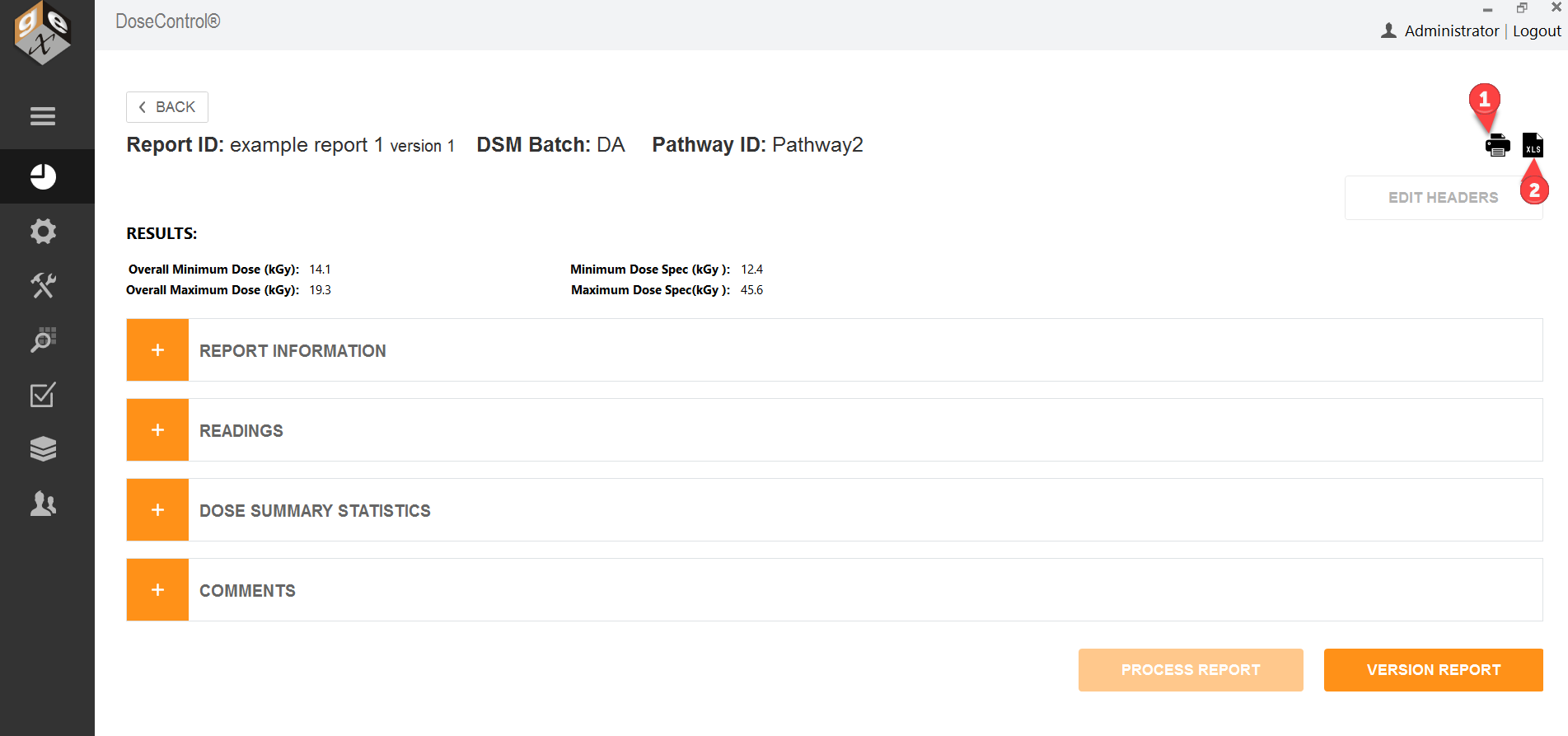
1 Export to PDF report format
To export the dosimetry report to PDF format (secure PDF), click the printer icon in the upper right of the Report Summary screen. This will create a PDF document with the content, data and design format configured by the Admin. You can print the PDF or save to any location.
For report header setup instructions for the App Admin user, see Setup Report Headers in DoseControl and About PDF Report fields.
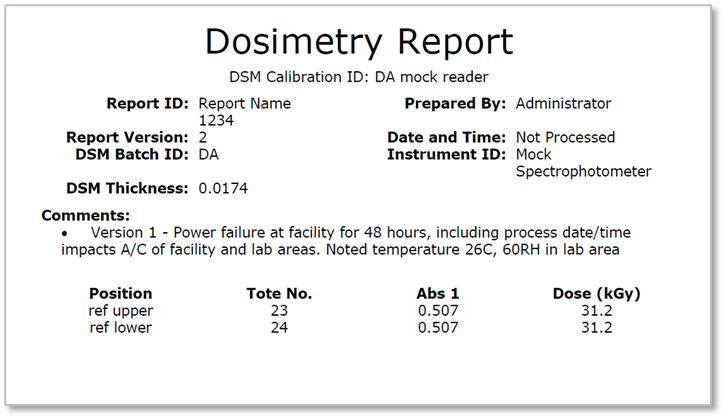
2 Export to Excel report format
To export the dosimetry report to MS Excel (*.xlsx), click the XLS document icon in the upper right of the Report Summary screen. This will create an Excel document of the report with the content, data, and design format configured by the Admin. You can save the report to any location, or print.
For report header setup instructions for the App Admin user, see Setup Report Headers in DoseControl and About Excel Data Fields.