Quick summary - Any user (with a Technician role) can create a report and measure dosimeters. A dosimetry report will contain all the dosimeter measurement information and all the associated calibration and process information.
You cannot edit, add dosimeters or perform measurements in a Completed or processed report. The report is locked.
How to Complete a Report (called “processing” a report)
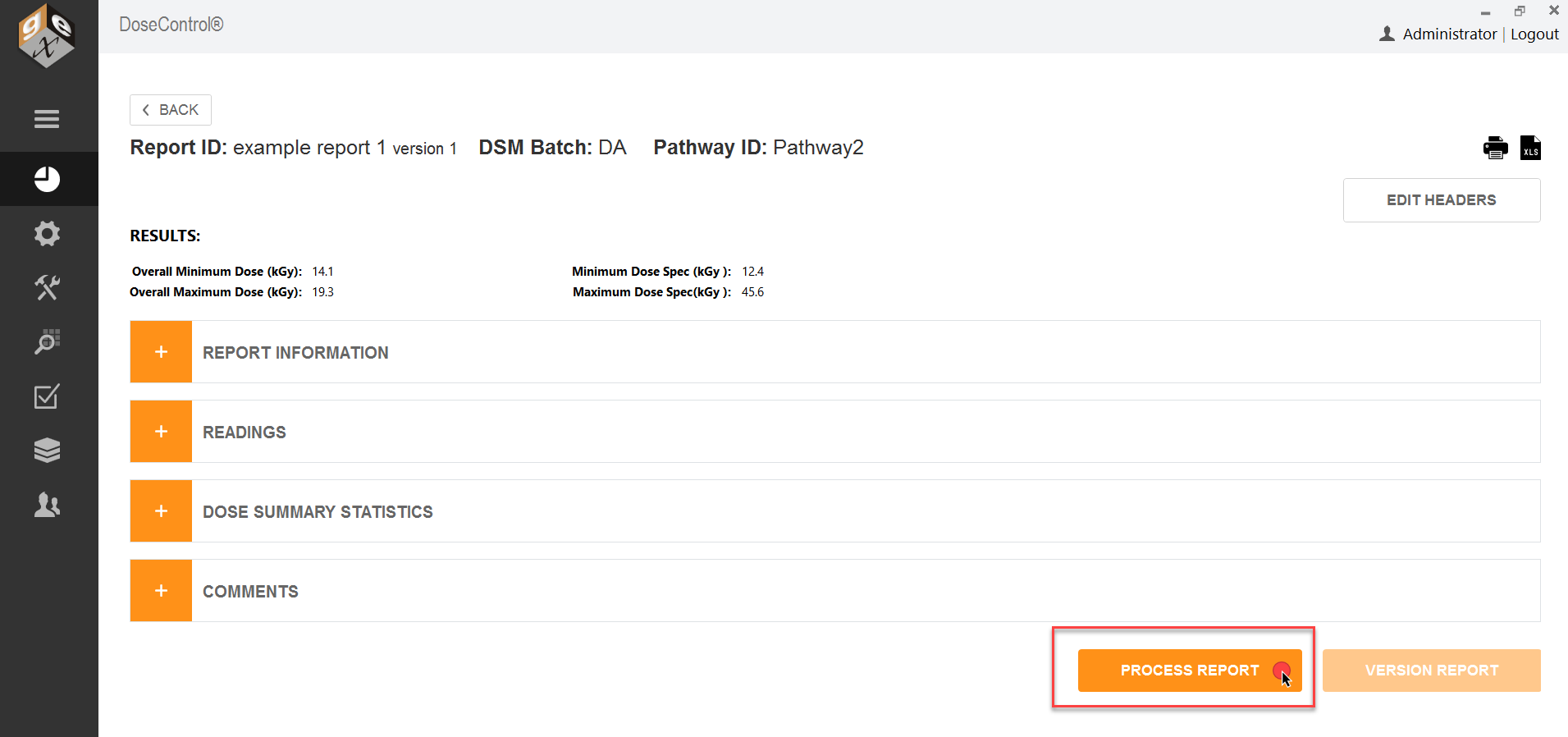
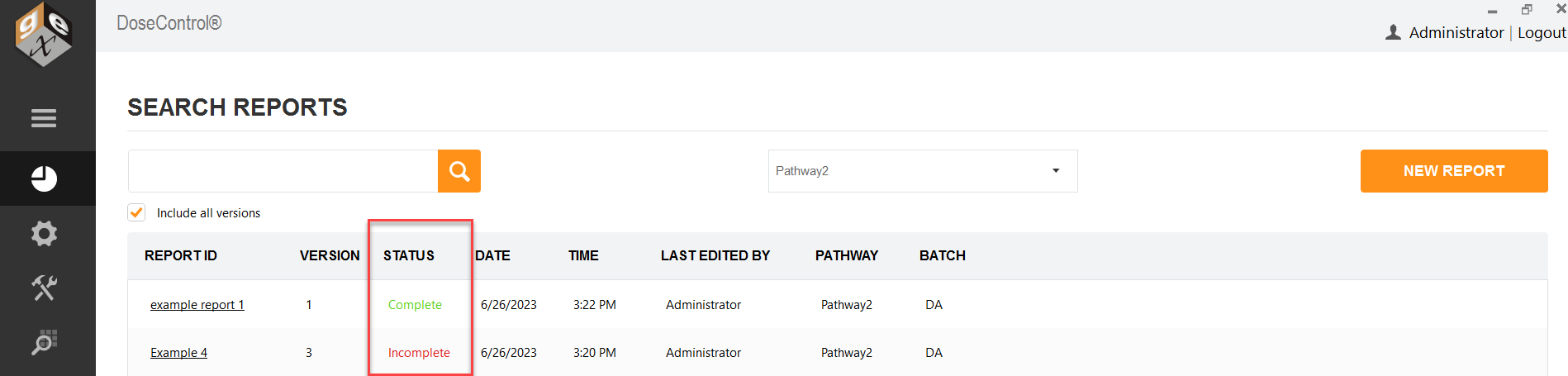
When you finish a report, you need to “process” or complete the report. To process a completed report, click the “Process Report” button at the bottom of the Report Summary screen. This saves a final version of the report and changes the report status from Incomplete to Complete.