
Quick summary - Any user (with a Technician role) can create a report and measure dosimeters. A dosimetry report will contain all the dosimeter measurement information and all the associated calibration and process information.
After a report is processed and complete, you must create a version of the report to add additional measurements or make any changes to the report.
Create a new version of a report
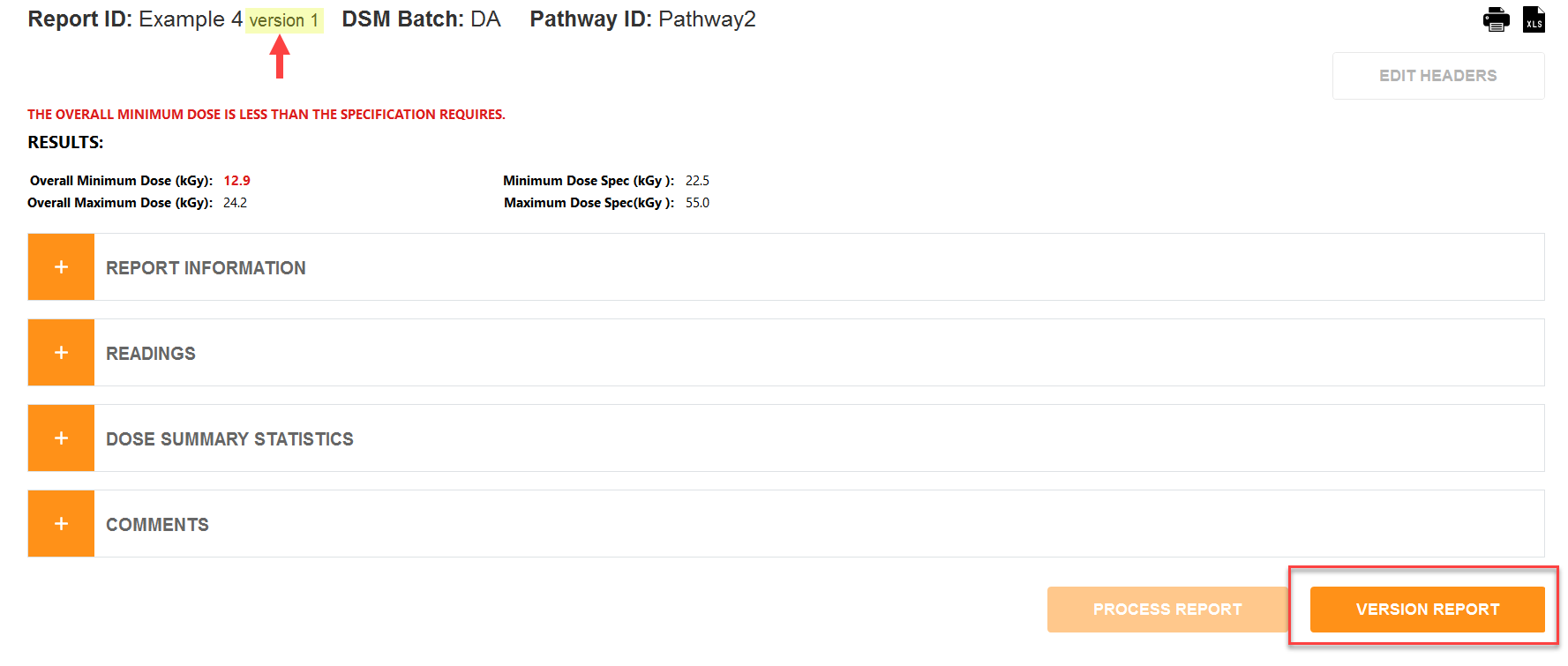
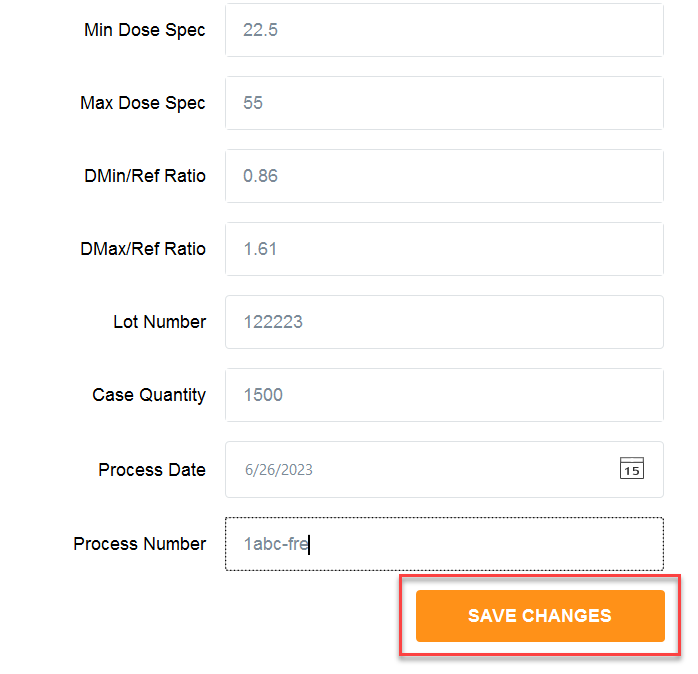
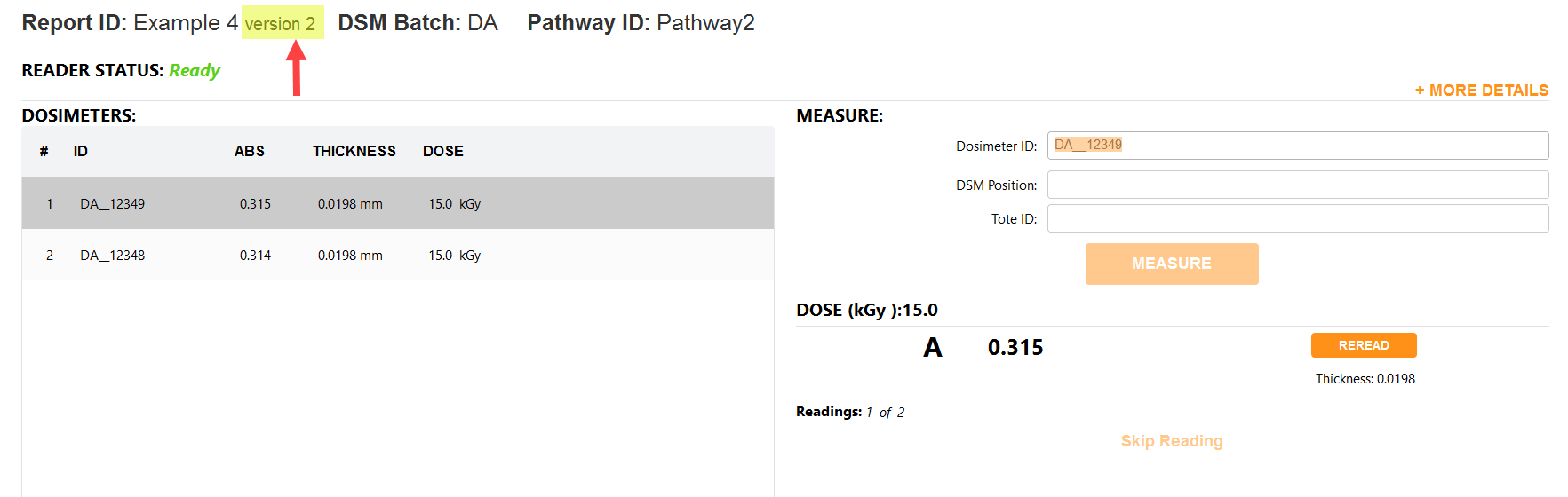
Click the “Version Report” button on lower right of the Report Summary screen. This will create the next iterative version number for the report. Make changes to the report’s header information, if necessary. Click “Save Changes”. The software will then open the active measurement screen, with the new version of the report open.
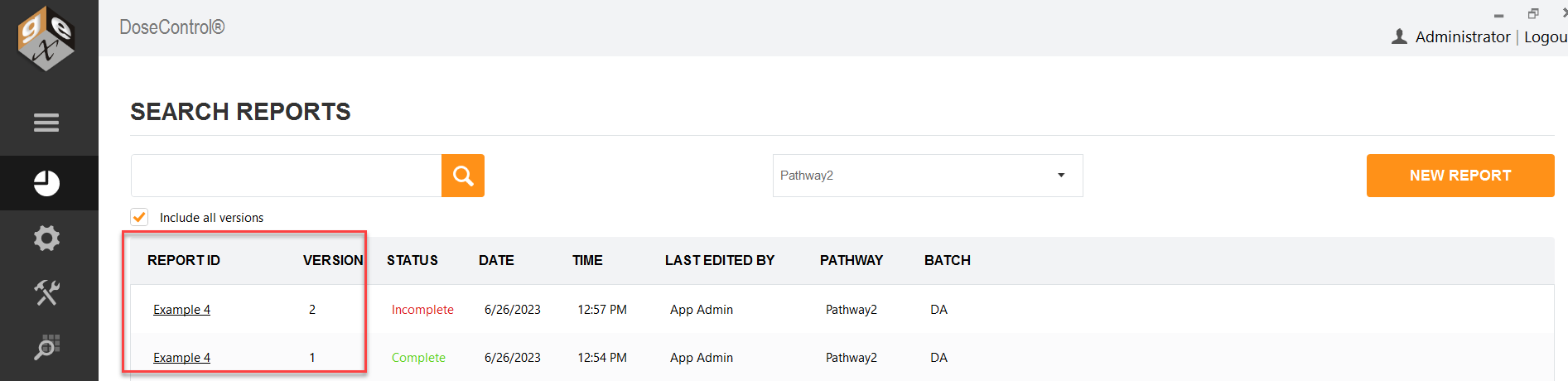
Version 2 and Version 1 visible on the main reports screen (check “Include all versions”)