Quick summary - Any user (with a Technician role) can create a report and measure dosimeters. A dosimetry report will contain all the dosimeter measurement information and all the associated calibration and process information. To measure dosimeters after irradiation, the user must create a new dosimetry report
Instructions
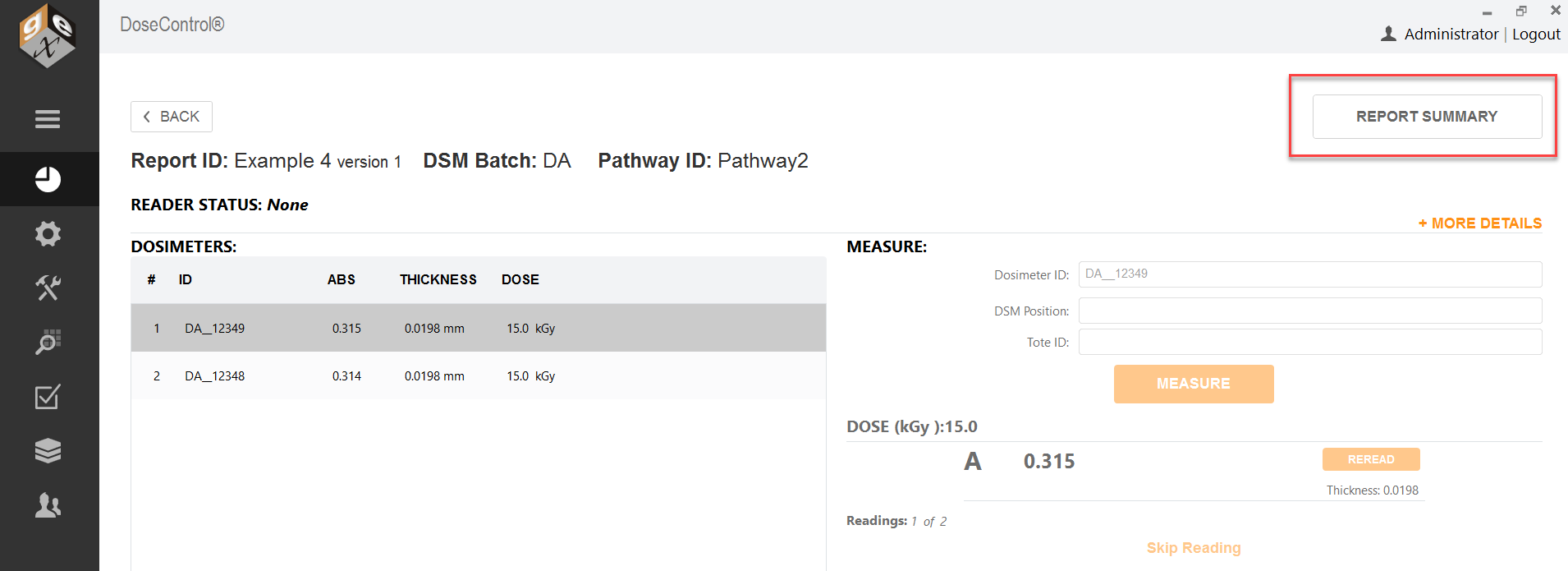
1 Go to the Report Summary screen.
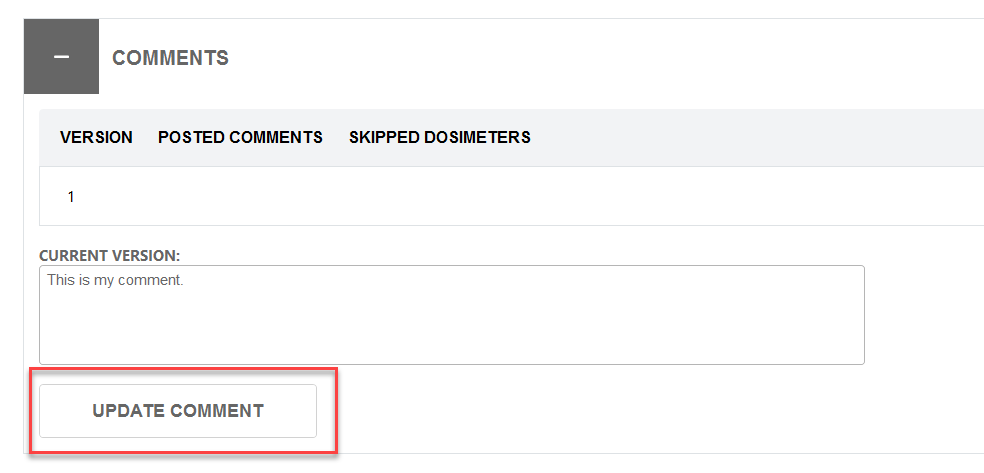
2 To add a comment to a report, expand the Comments area and type a comment. Click Update Comment to save: