Quick summary - Any user (with a Technician role) can measure and reread dosimeters on the report’s measurement screen.
To skip a dosimeter measurement
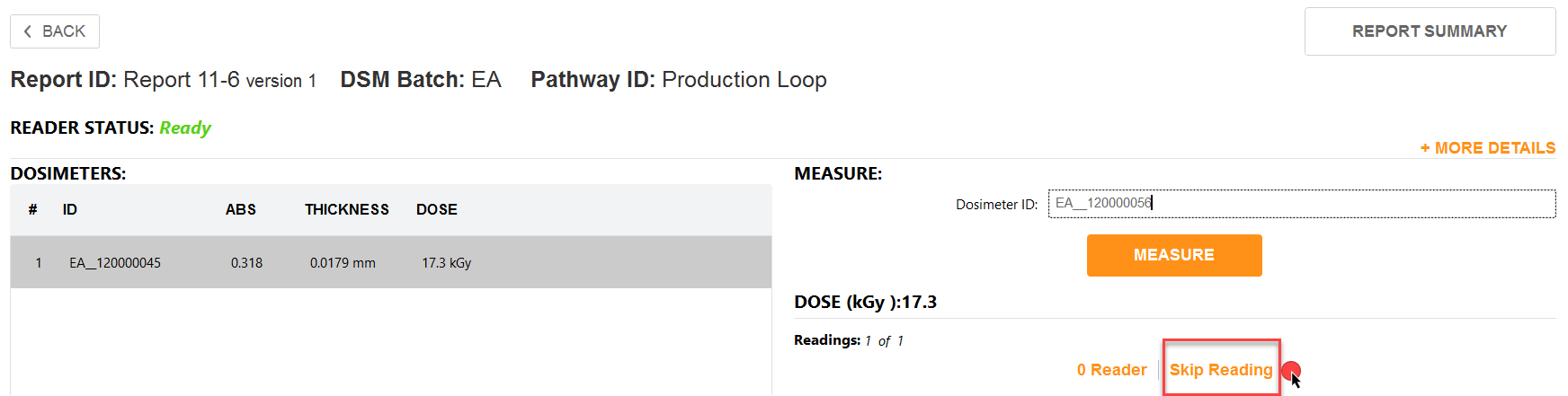
1 To skip a dosimeter reading, scan or enter the Dosimeter ID and then click the “Skip Reading” button.
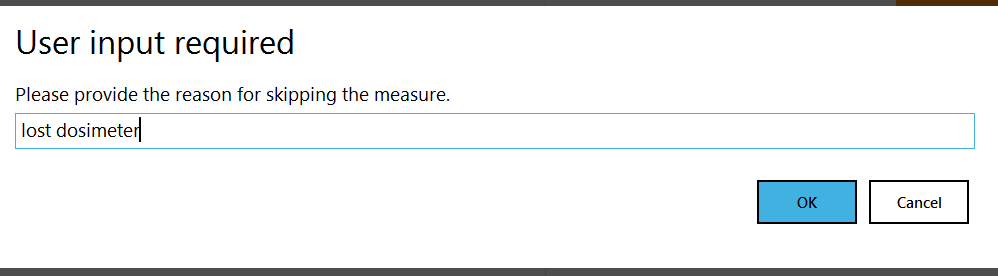
2 Enter a reason when prompted and click “OK”.
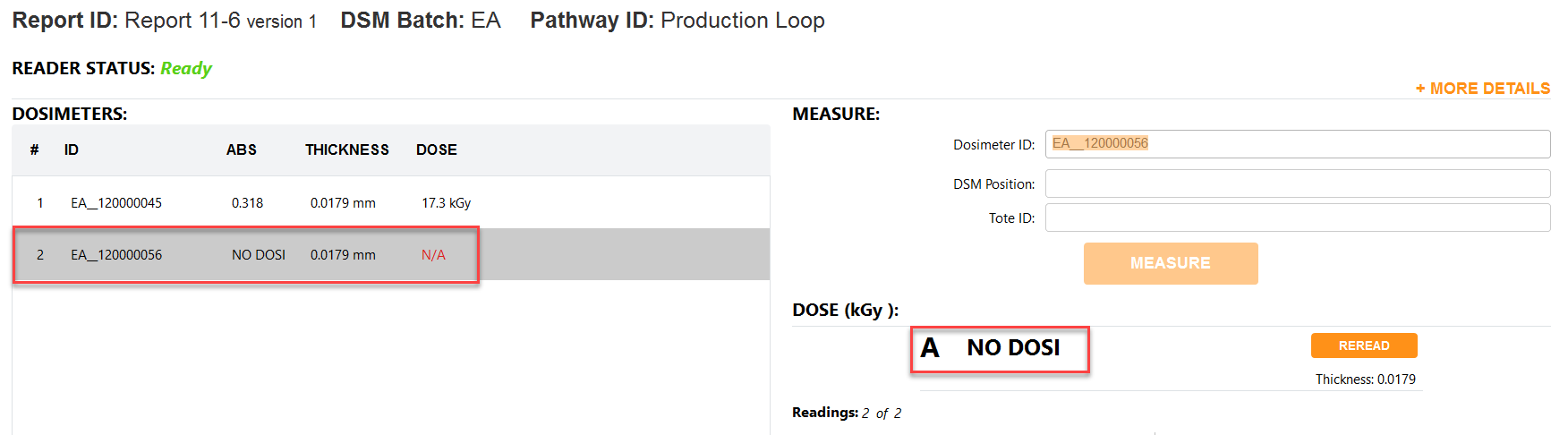
3 The skipped dosimeter ID will be recorded, and the absorbance will note “NO DOSI” with a dose of “N/A”.