About ‘User Lock-out’ functionality
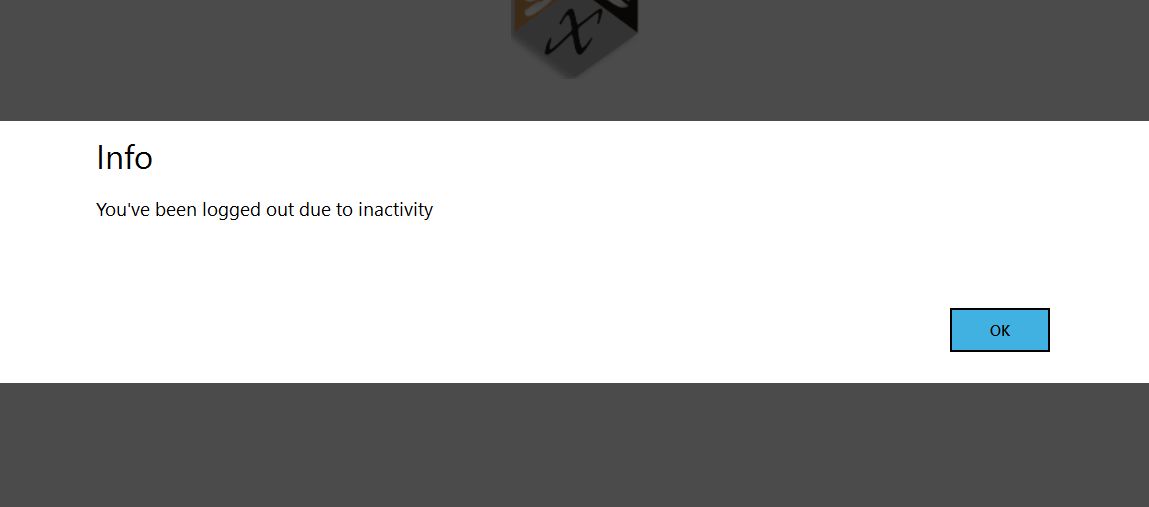
This feature allows the system to lock the user out of the software after a period of inactivity (in minutes). Any use of the keyboard or mouse will reset the lock-out timer. When a user is locked out, a message will display to the user “You have been logged out due to inactivity.” The user will need to log into DoseControl again.
How to enable the ‘User Lock Out’ functionality
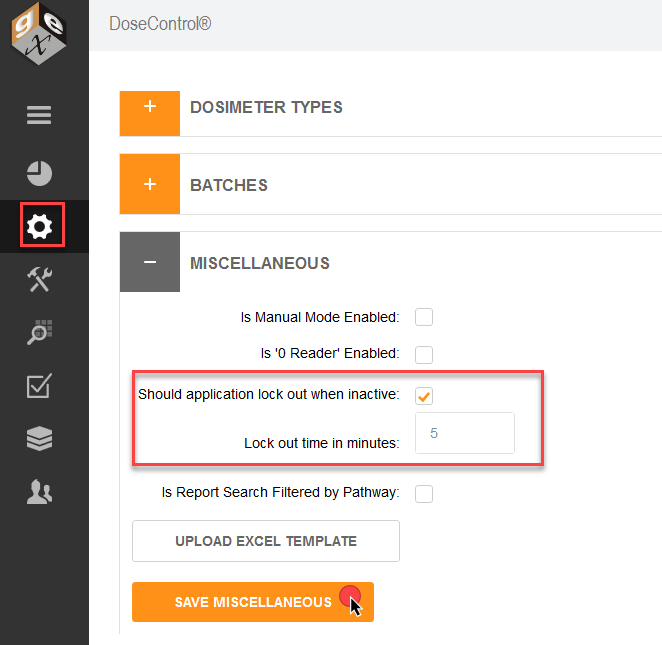
1 Go to the Setup screen (sprocket icon) → Miscellaneaous.
2 Enable ‘Should application lock out when inactive’
3 Enter a number of minutes for the lock-out timer.
4 Click Save.